
Download Juicebox – Photo Gallery, HTML5, Adobe Air, Web Development, Design Tool, Creative Tool, Image Gallery, Photo Editor, Visual Content, Mobile App
Overview
Juicebox is a mobile application designed to assist users in creating and managing photo galleries with a focus on HTML5 compatibility. The app serves as a bridge between visual content creation and web integration, particularly for individuals involved in web development, digital art, or design projects. By enabling the generation of HTML5-based galleries, Juicebox simplifies the process of embedding rich visual content into websites, blogs, or online portfolios. Its primary function is to allow users to compile, organize, and export photo collections in a format that ensures cross-browser and cross-device compatibility.
The app is especially beneficial for designers, photographers, and developers who require a streamlined method to present visual work without needing advanced coding skills. While the developer did not provide additional technical details about the app’s architecture or underlying algorithms, its integration with Adobe Air suggests a level of optimization for multimedia handling and cross-platform deployment. Real-world use cases include portfolio building, client presentations, and content curation for online exhibitions. In the broader app ecosystem, Juicebox fills a niche for mobile-first tools that support web-ready visual output, offering a lightweight solution for creative professionals seeking efficiency and flexibility.
Key Features & Functionality
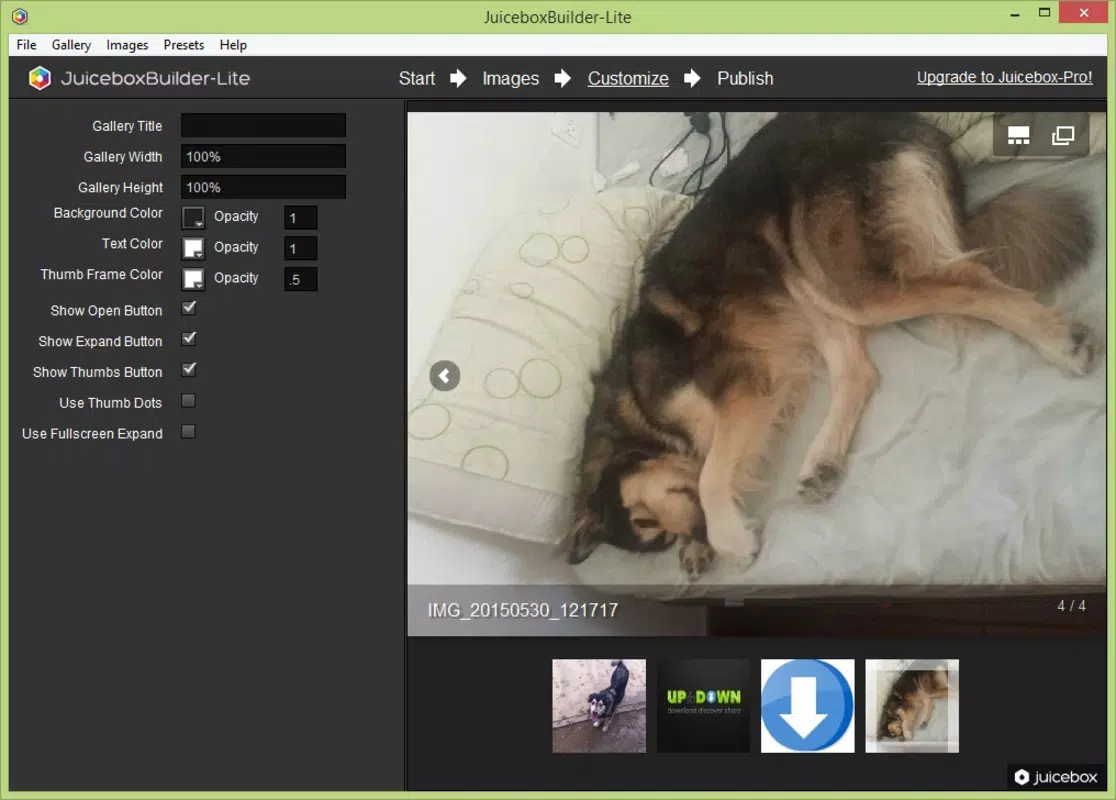
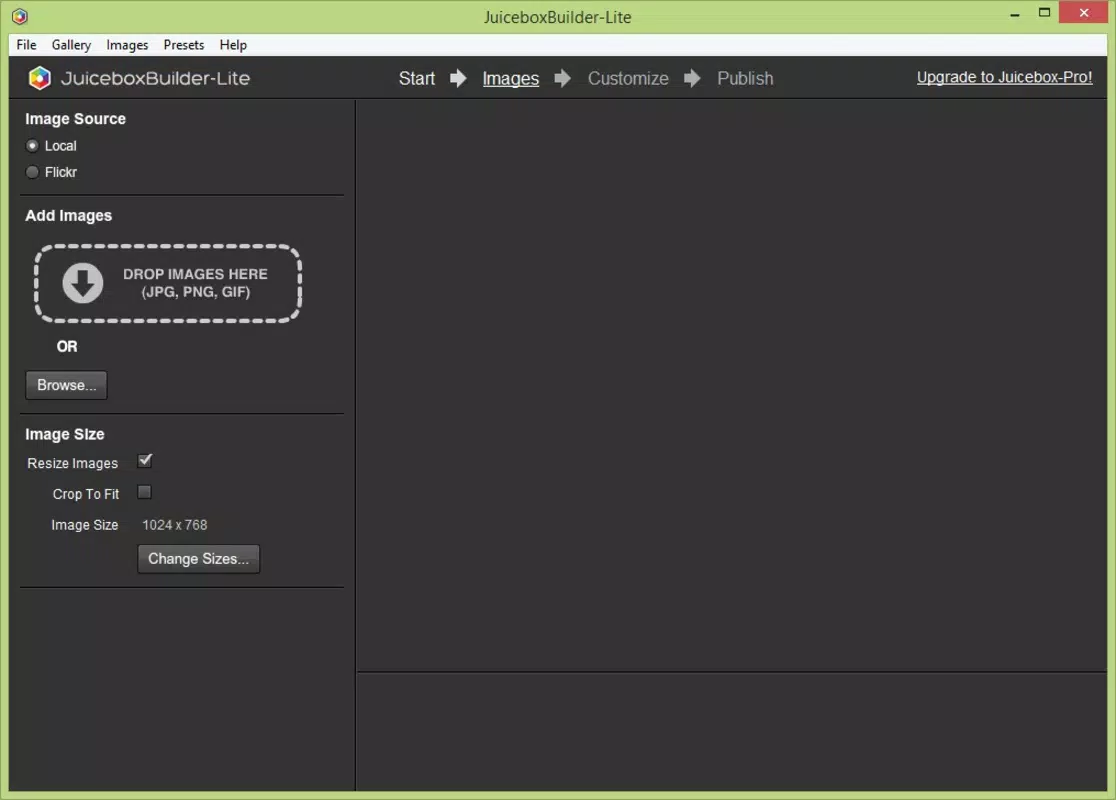
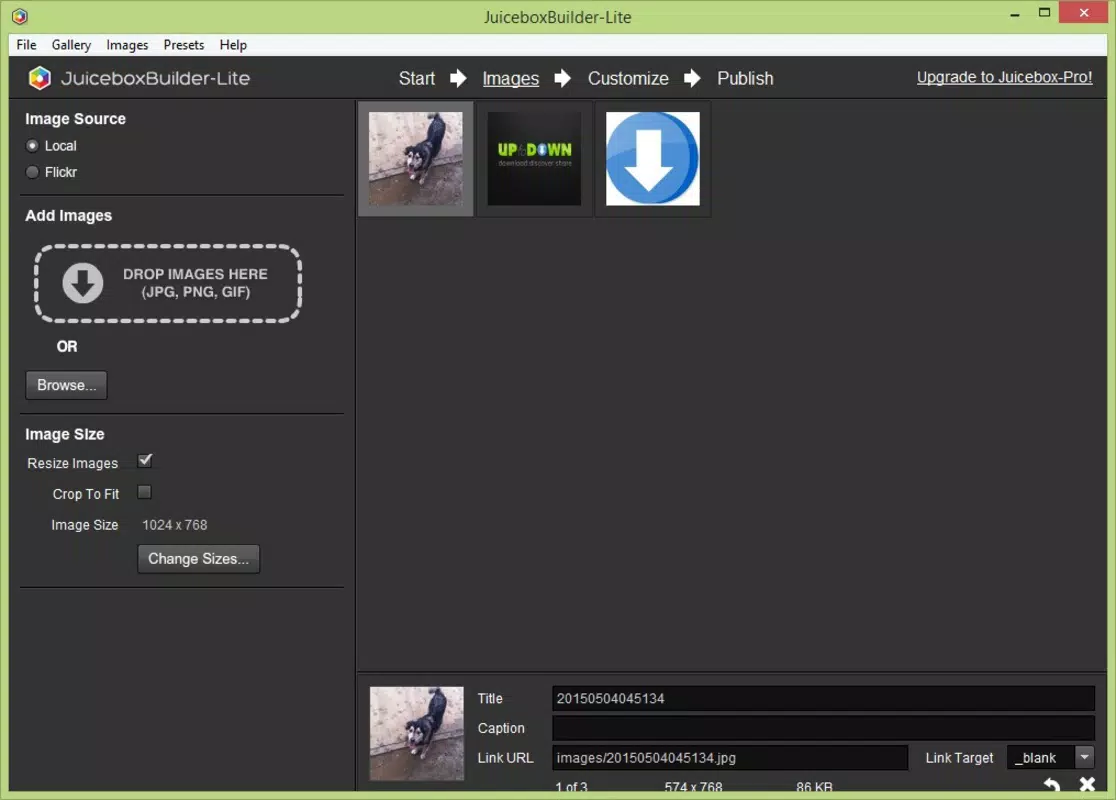
- Intuitive Interface: Juicebox features a user-friendly layout that simplifies the process of organizing and editing photo collections. Whether importing individual images or working with large batches, the interface supports smooth navigation and real-time previewing, reducing the learning curve for new users.
- Unlimited Galleries: Users can create and store multiple galleries without restriction. Each gallery can be named and saved for future access, allowing for long-term project management and iterative design.
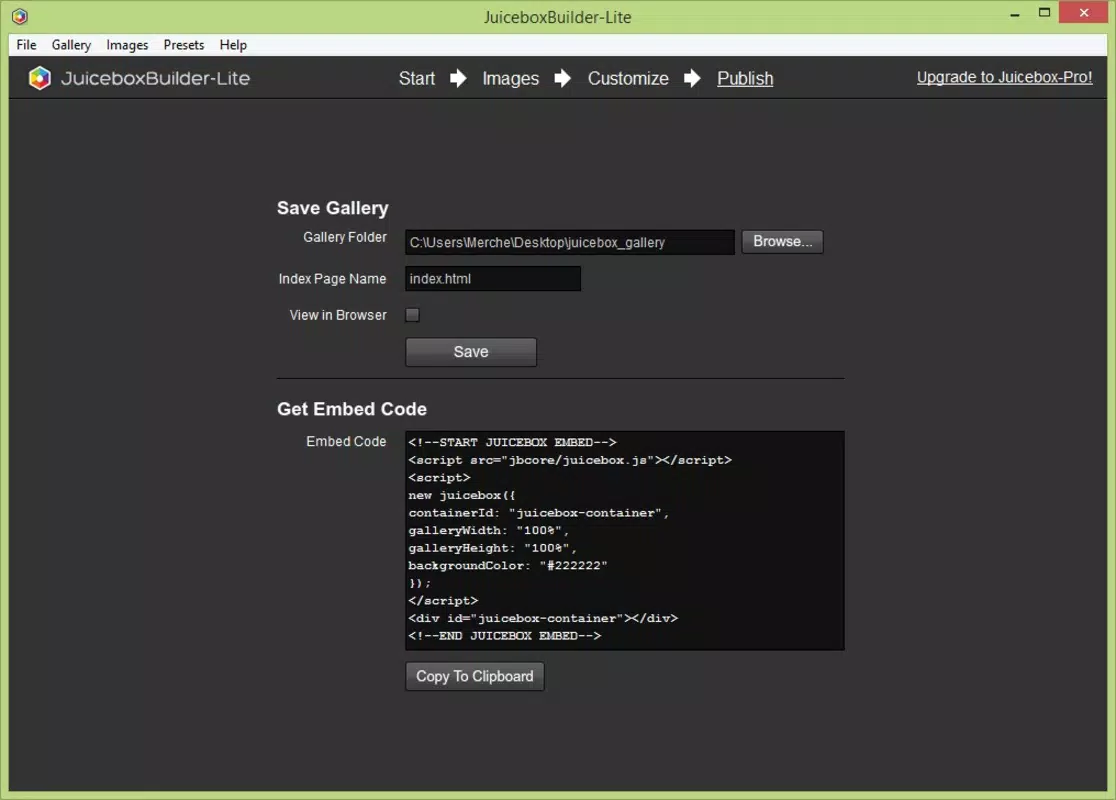
- HTML5 Compatibility: The app generates clean, standards-compliant HTML5 code for each gallery. This output ensures that visual content renders consistently across modern browsers and devices, making it ideal for web publishing.
- Customizable Options: Users can adjust visual elements such as background opacity, add descriptive text, and apply various effects to enhance the aesthetic appeal of their galleries. These options allow for personalization to match specific branding or design themes.
- Seamless Adobe Air Integration: By leveraging Adobe Air, Juicebox enables smooth handling of multimedia content and facilitates a consistent experience across different platforms, reducing compatibility issues during gallery deployment.
For example, a freelance photographer could use Juicebox to compile a series of images into a gallery, apply custom text overlays, and generate HTML5 code to embed directly into their client website. Similarly, a web developer might use the app to quickly prototype a visual section of a site before transitioning to custom code.
Interface, UX & Performance
The user interface of Juicebox is designed with simplicity and functionality in mind. Navigation is structured around a clean, minimal layout that prioritizes image management and gallery configuration. Visual elements are arranged logically, with clear icons and labeled buttons that guide users through each step of the creation process. The app’s responsiveness appears consistent across different screen sizes, though the developer did not list formal performance metrics.
Users can expect smooth transitions between gallery creation, editing, and publishing modes. Although the developer did not specify minimum OS requirements or device compatibility details, the app’s lightweight size of 12.5 MB suggests efficient memory usage. Stability during image processing and export is likely optimized due to its Adobe Air foundation, which is known for handling multimedia tasks reliably. However, specific performance data across various device categories was not disclosed. Overall, the user experience emphasizes ease of use, making it accessible to both beginners and intermediate users in creative fields.
Platform Compatibility & Technical Requirements
Juicebox is available on the Android platform, with a software version of 2.0. The app has a file size of 12.5 MB, indicating a compact footprint suitable for devices with limited storage. The developer did not specify minimum OS requirements or device compatibility details. It is also unclear whether the app is available on iOS or other platforms. The release date of the app is June 15, 2016, suggesting it has been in circulation for several years, which may indicate a stable but potentially outdated codebase.
Users should verify compatibility with their current Android version before installation. While the app is free to download and use, the absence of recent updates raises questions about long-term support and security patches. The lack of detailed technical specifications prevents a full assessment of its compatibility with newer Android versions or hardware configurations.
Pros and Cons
Pros
- Free to download and use, making it accessible to budget-conscious creators.
- Generates HTML5 code for seamless web integration.
- Supports unlimited gallery creation and storage.
- Offers customizable visual effects and text overlays.
- Integrates with Adobe Air for enhanced multimedia handling.
Cons
- Release date is from 2016, raising concerns about current compatibility and support.
- Specific OS and device requirements were not listed.
- No information on recent updates or security maintenance.
- App size is small, but this may reflect limited feature set or outdated functionality.
- Platform availability is confirmed only for Android; iOS support is not confirmed.
FAQ
Is Juicebox safe to download and use?
Yes, the app is free and available for Android. However, users should ensure they download it from official or trusted sources to avoid potential security risks.
Can I use Juicebox on iOS devices?
The developer did not confirm iOS compatibility. The app is currently available only on Android.
Does Juicebox require an internet connection?
While the app generates HTML5 code locally, an internet connection may be needed for initial download and updates. Offline functionality for gallery creation is likely supported.
How often is Juicebox updated?
The last release was in 2016. No recent updates have been announced by the developer.
Can I export my galleries to other formats?
The app specifically generates HTML5 code for web deployment. Export options beyond HTML5 were not specified.
Final Thoughts
Juicebox stands as a niche yet functional tool for users focused on creating web-ready photo galleries using HTML5. Its intuitive interface, unlimited gallery support, and Adobe Air integration make it a practical choice for designers and developers seeking a straightforward solution. Despite its age and lack of recent updates, the app remains a viable option for those needing a lightweight, free tool for visual content publishing. However, users should exercise caution regarding long-term compatibility and security, especially on modern Android systems.
For creatives who prioritize ease of use and direct web integration, Juicebox offers a solid value proposition. It is particularly useful for small-scale projects, portfolio displays, or quick web prototypes. While it may not meet the needs of users requiring advanced features or frequent updates, it fulfills its core purpose effectively.
Download Juicebox now


